FLUX.2 Klein Prompting Guide
Describe your scene as flowing prose—subject first, then setting, details, and lighting. This gives [klein] clear relationships between elements.
No prompt upsampling: [klein] does not auto-enhance your prompts. What you write is what you get—so be descriptive.
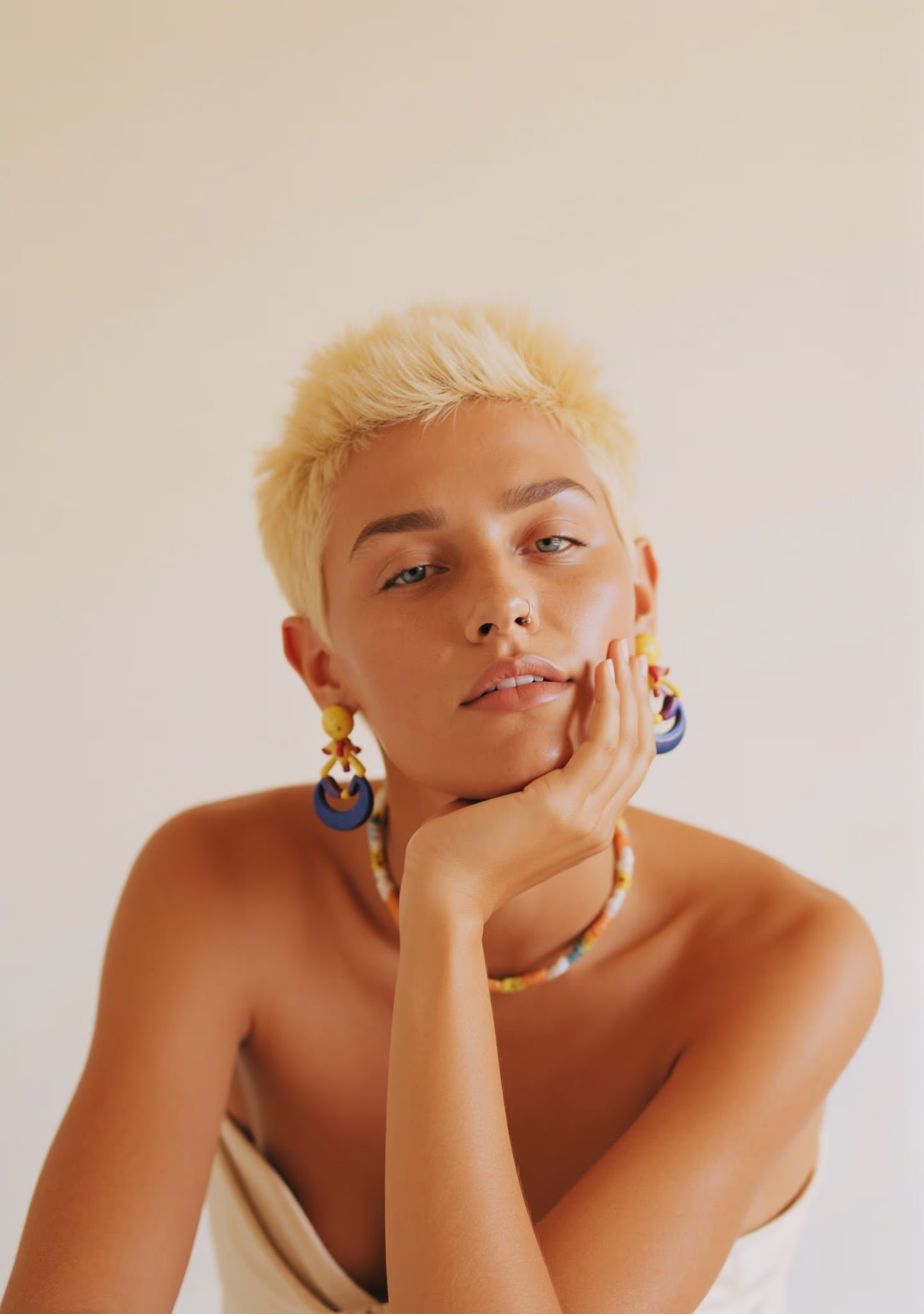
"A woman with short, blonde hair is posing against a light, neutral background. She is wearing colorful earrings and a necklace, resting her chin on her hand. The image has a soft, warm tone with a minimalist style."
Do this
"A woman with short, blonde hair is posing against a light, neutral background. She is wearing colorful earrings and a necklace, resting her chin on her hand. The image has a soft, warm tone with a minimalist style."
Not this
"woman, blonde, short hair, neutral background, earrings, colorful, necklace, hand on chin, portrait, soft lighting"
Basic Prompt Structure
Use this framework for reliable results:
Subject → Setting → Details → Lighting → Atmosphere
| Element | Purpose | Example |
|---|---|---|
| Subject | What the image is about | "A weathered fisherman in his late sixties" |
| Setting | Where the scene takes place | "stands at the bow of a small wooden boat" |
| Details | Specific visual elements | "wearing a salt-stained wool sweater, hands gripping frayed rope" |
| Lighting | How light shapes the scene | "golden hour sunlight filters through morning mist" |
| Atmosphere | Mood and emotional tone | "creating a sense of quiet determination and solitude" |
Lighting: The Most Important Element
Lighting has the single greatest impact on [klein] output quality. Describe it like a photographer would.
Tip: Instead of "good lighting," write "soft, diffused light from a large window camera-left, creating gentle shadows that define the subject's features."
Soft diffused light
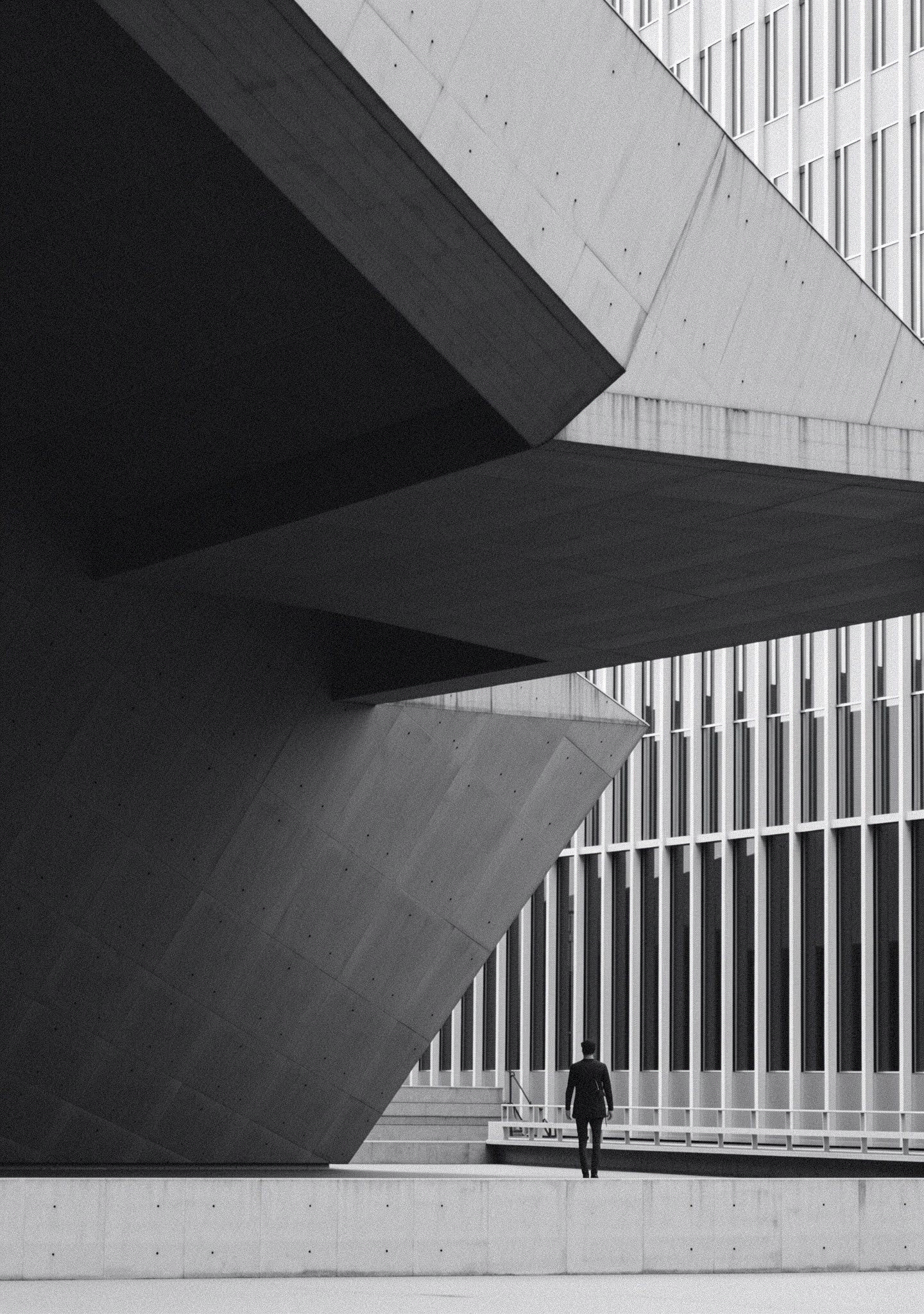
Dramatic side lighting
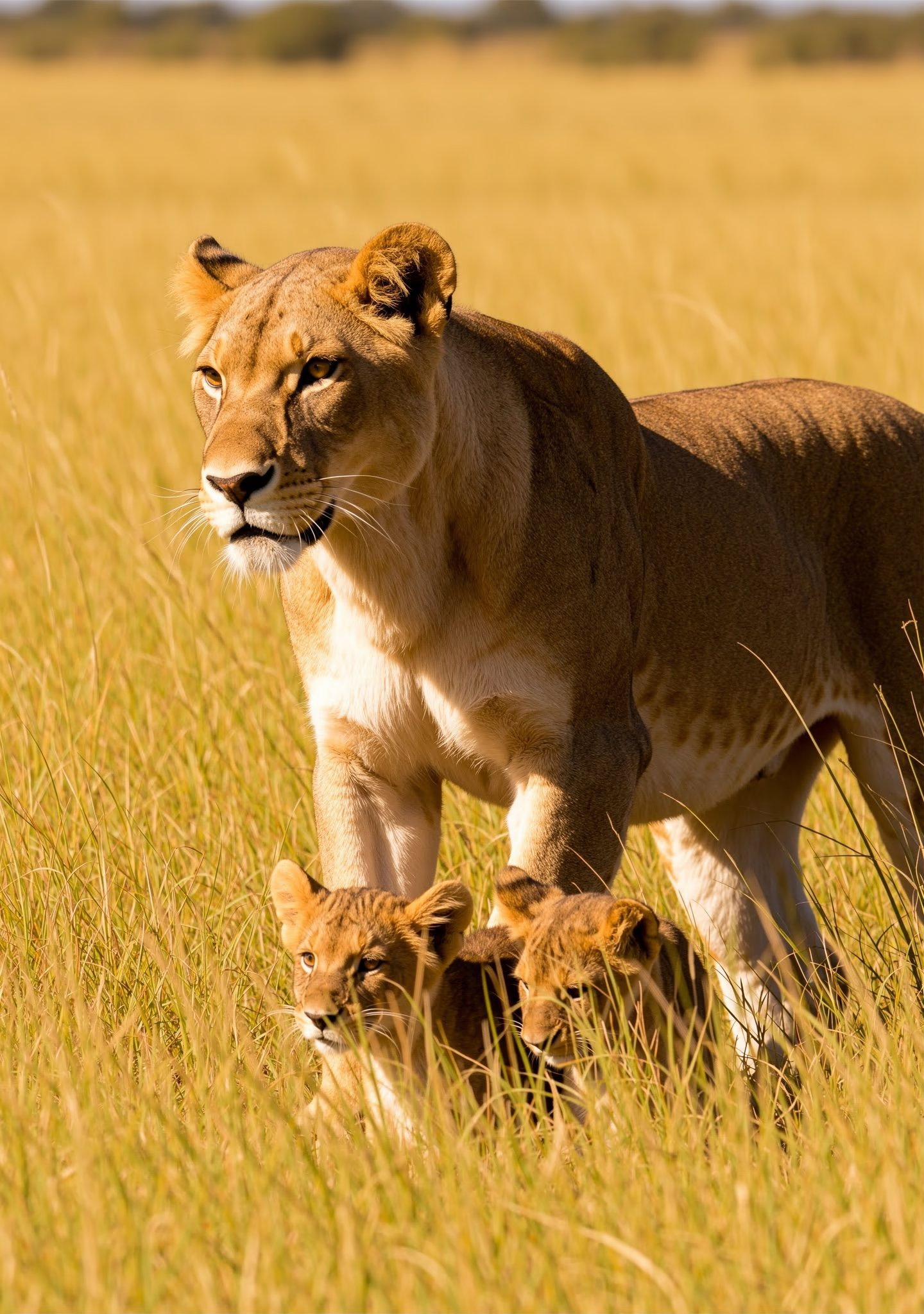
Golden hour backlight
What to describe:
Example lighting phrases:
- "soft, diffused natural light filtering through sheer curtains"
- "dramatic side lighting creating deep shadows and highlights"
- "golden hour backlighting with lens flare"
- "overcast light creating even, shadow-free illumination"
Word Order Matters
[klein] pays more attention to what comes first. Front-load your most important elements.
Priority: Main subject → Key action → Style → Context → Secondary details
Strong word order:
"An elderly woman with silver hair carefully arranges wildflowers in a ceramic vase. Soft afternoon light streams through lace curtains, casting delicate shadows across her focused expression."
Subject and action lead.
Weak word order:
"In a warm, nostalgic room with antique furniture, soft afternoon light streams through lace curtains. An elderly woman with silver hair is there arranging wildflowers."
Subject buried in description.
Prompt Length
| Length | Words | Best For |
|---|---|---|
| Short | 10-30 | Quick concepts, style exploration |
| Medium | 30-80 | Most production work |
| Long | 80-300+ | Complex editorial, detailed product shots |
Warning: Longer prompts work well when every detail serves the image. Avoid filler — each sentence should add visual information.
Style and Mood Annotations
Adding explicit style and mood descriptors at the end of your prompt can enhance consistency:
[Scene description]. Style: Country chic meets luxury lifestyle editorial.
Mood: Serene, romantic, grounded.
[Scene description]. Shot on 35mm film (Kodak Portra 400) with shallow
depth of field—subject razor-sharp, background softly blurred.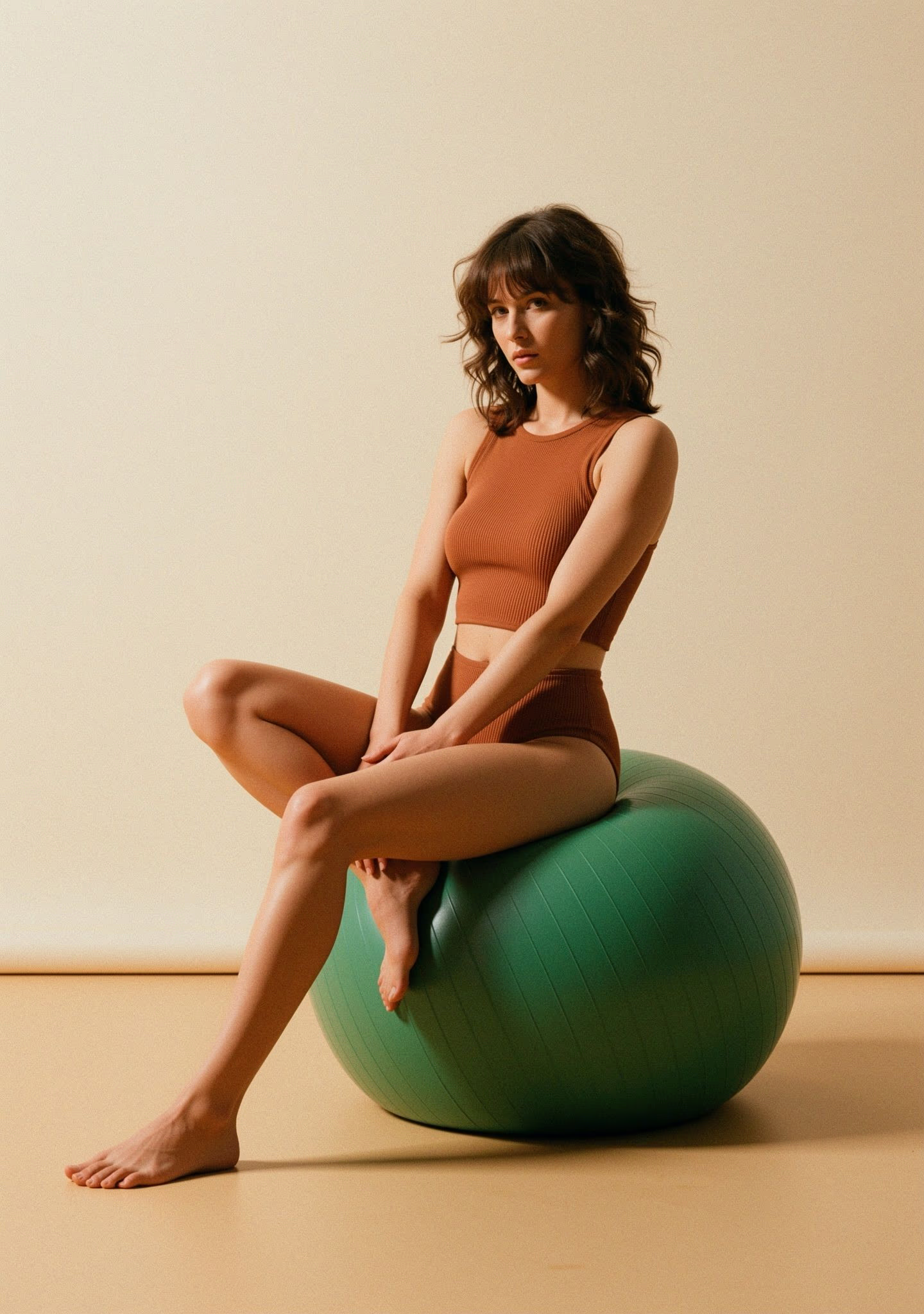
1990s fashion editorial
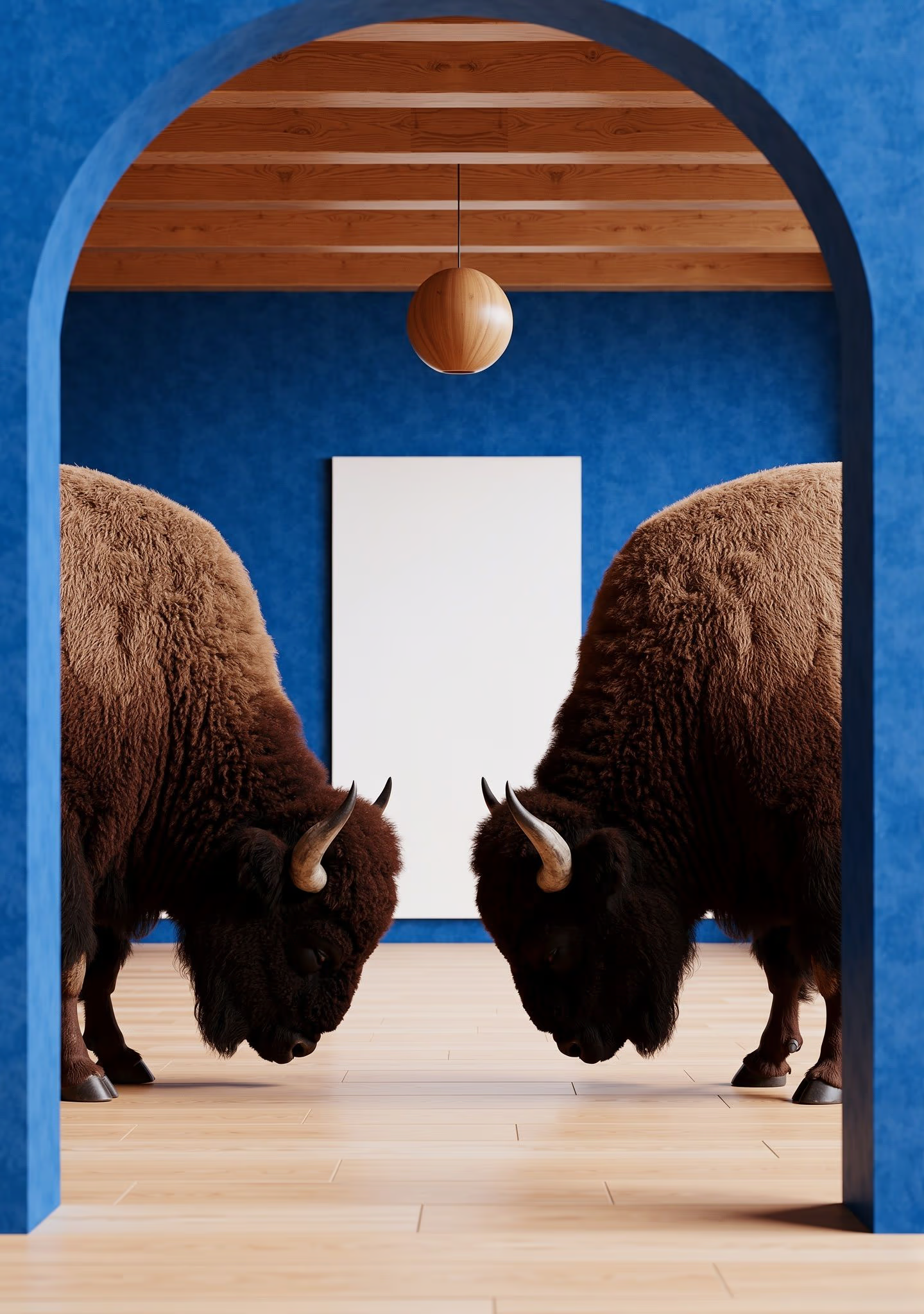
Surreal interior
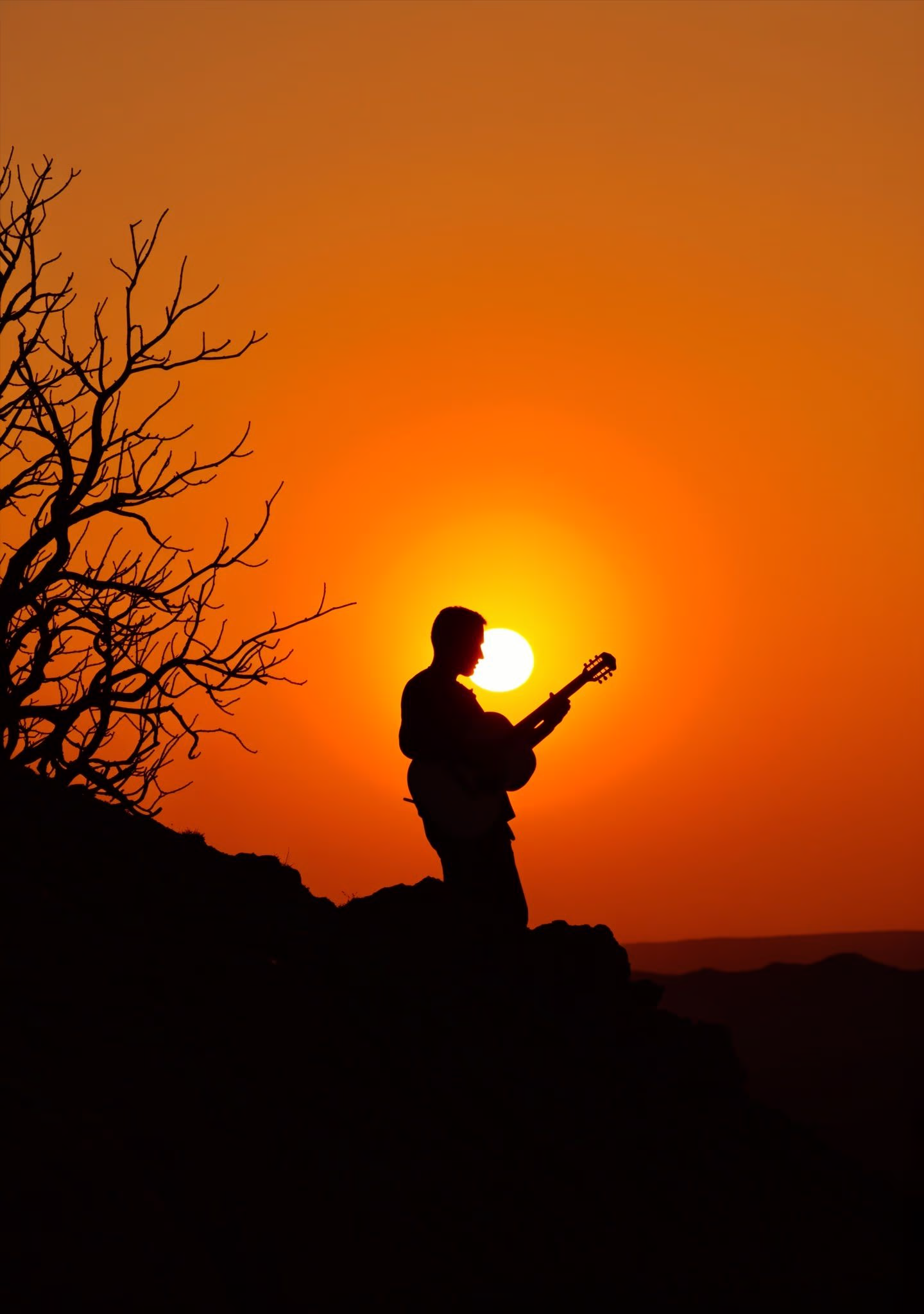
Golden hour silhouette
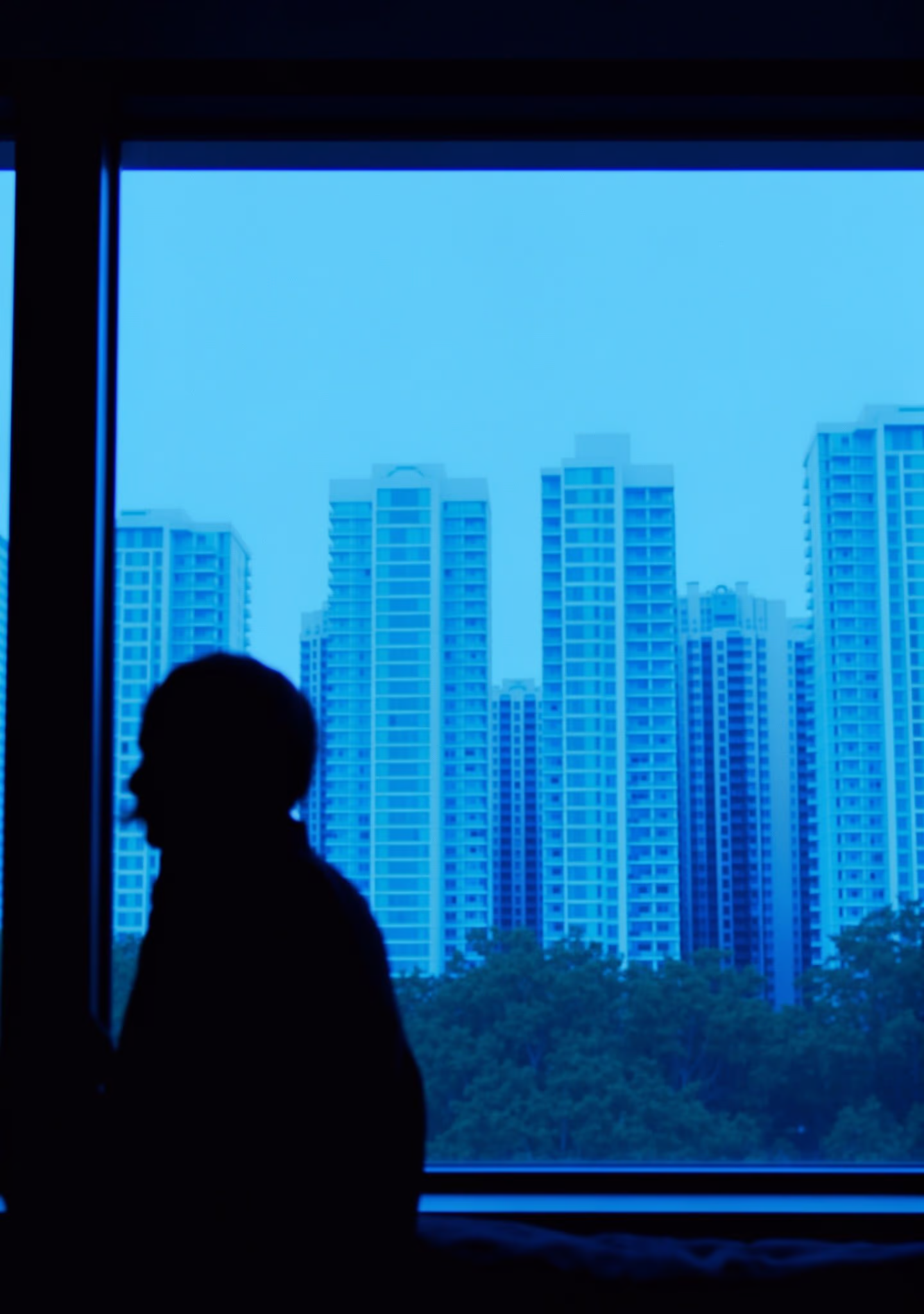
Moody cityscape
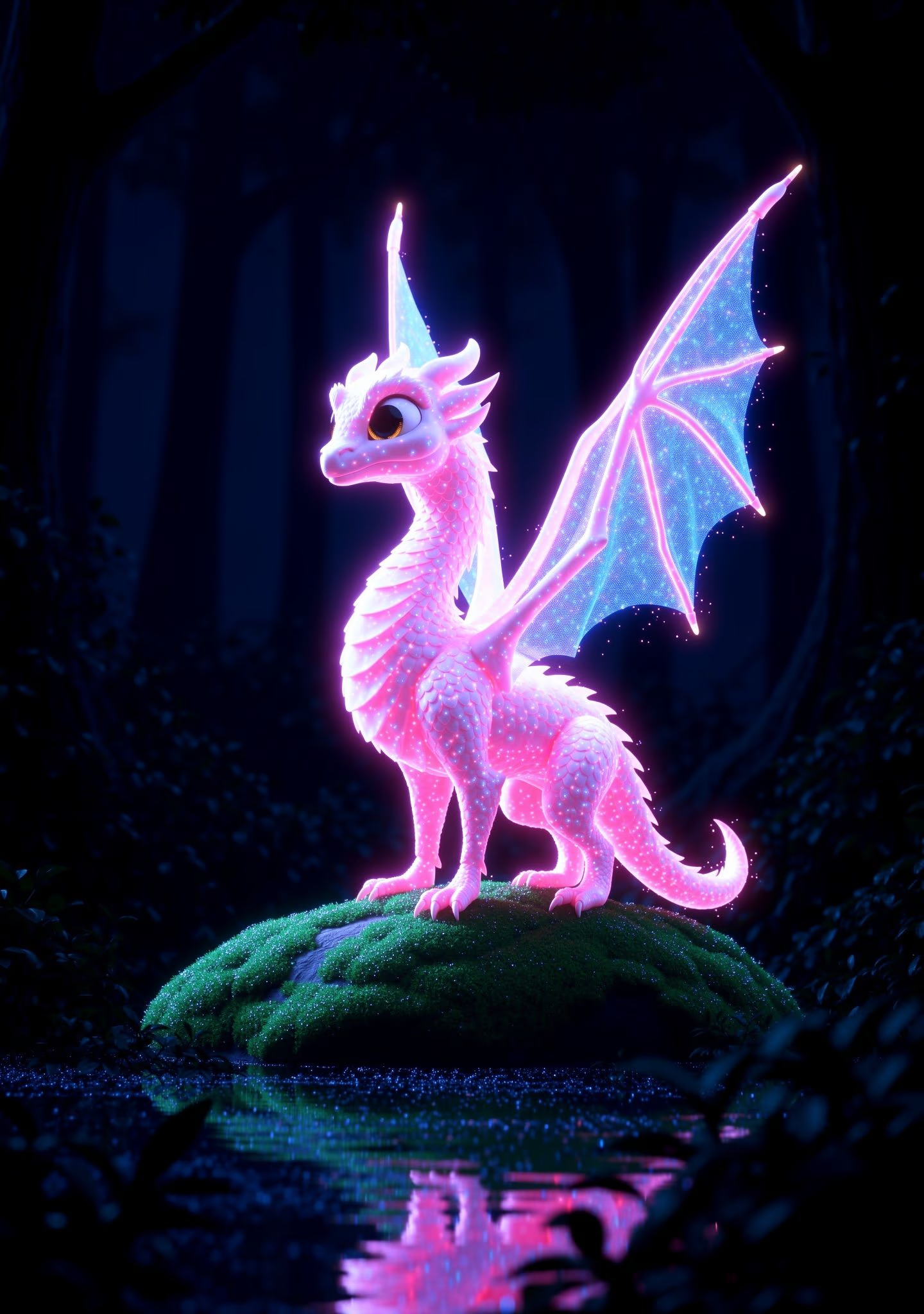
Anime fantasy
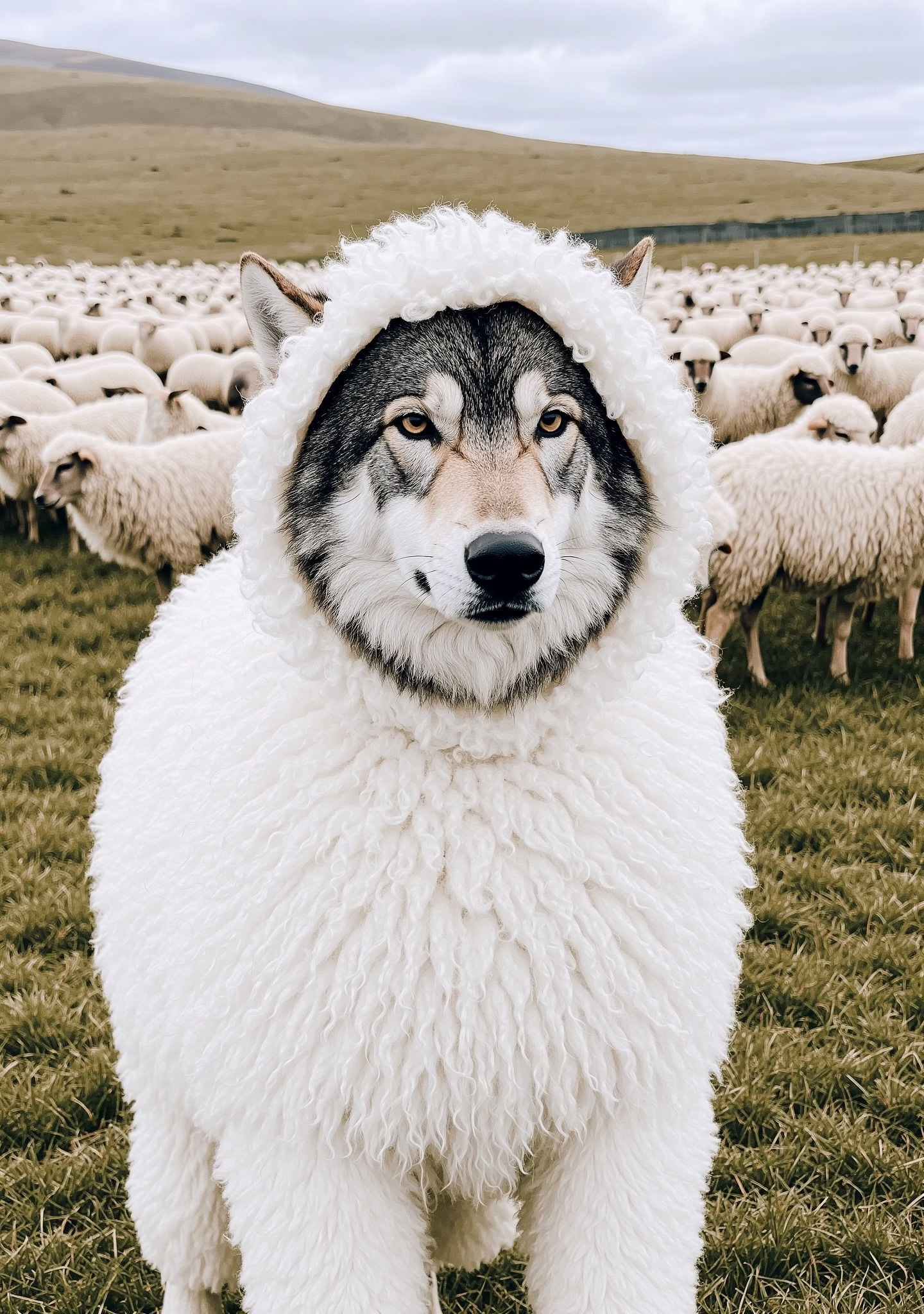
Whimsical illustration
Image Editing
For image editing, prompts describe the transformation you want. Focus on what changes while letting the input image(s) provide the foundation.
Key principle: Reference images carry visual details. Your prompt describes what should change or how elements should combine—not what they look like.
Single-Image Editing
| Edit Type | Prompt Pattern | Example |
|---|---|---|
| Style transfer | "Turn into [style]" | "Reskin this into a realistic mountain vista" |
| Object swap | "Replace [element] with [new element]" | "Replace the bike with a rearing black horse" |
| Element replacement | "Replace [element] with [new element]" | "Replace all the feathers with rose petals" |
| Add elements | "Add [element] to [location]" | "Add small goblins climbing the right wall" |
| Environmental | "Change [aspect] to [new state]" | "Change the season to winter" |

Input
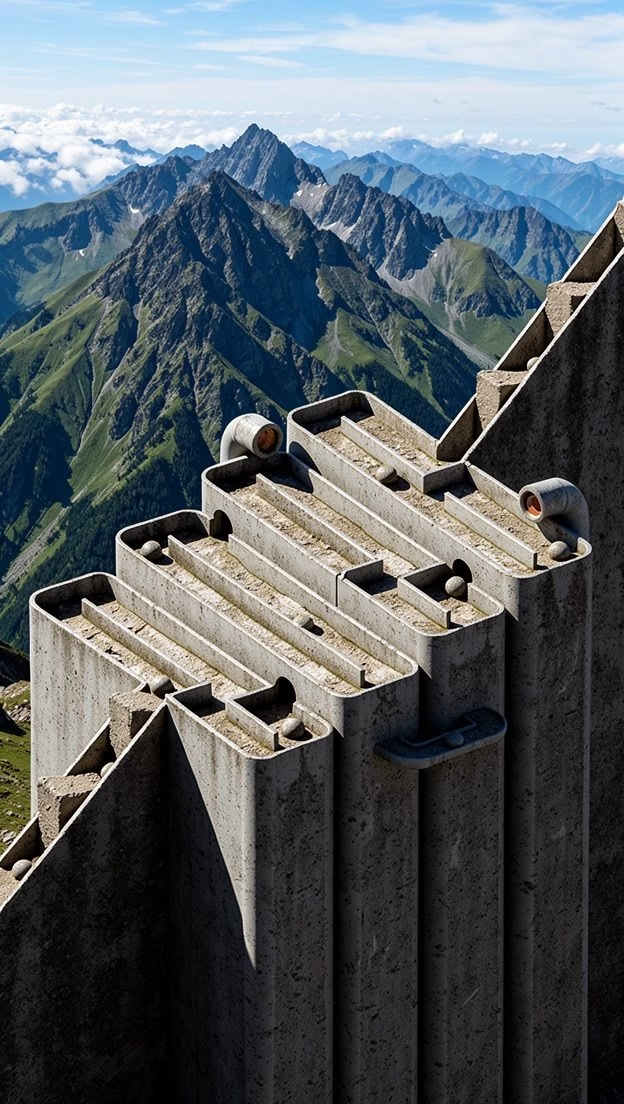
"Reskin this into a realistic mountain vista"
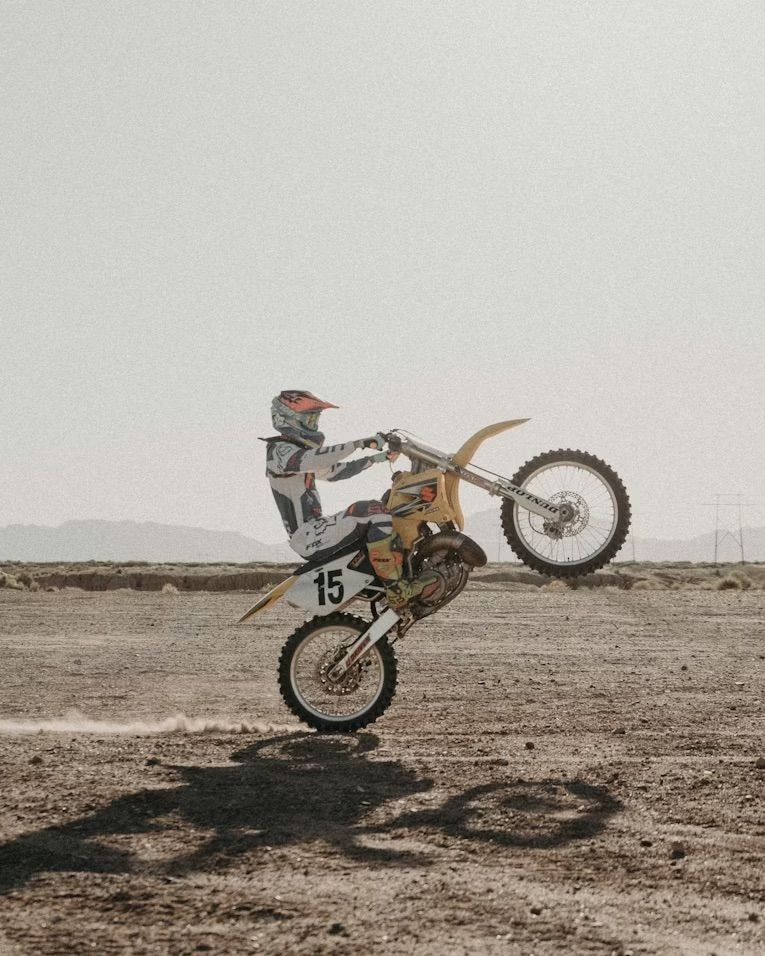
Input
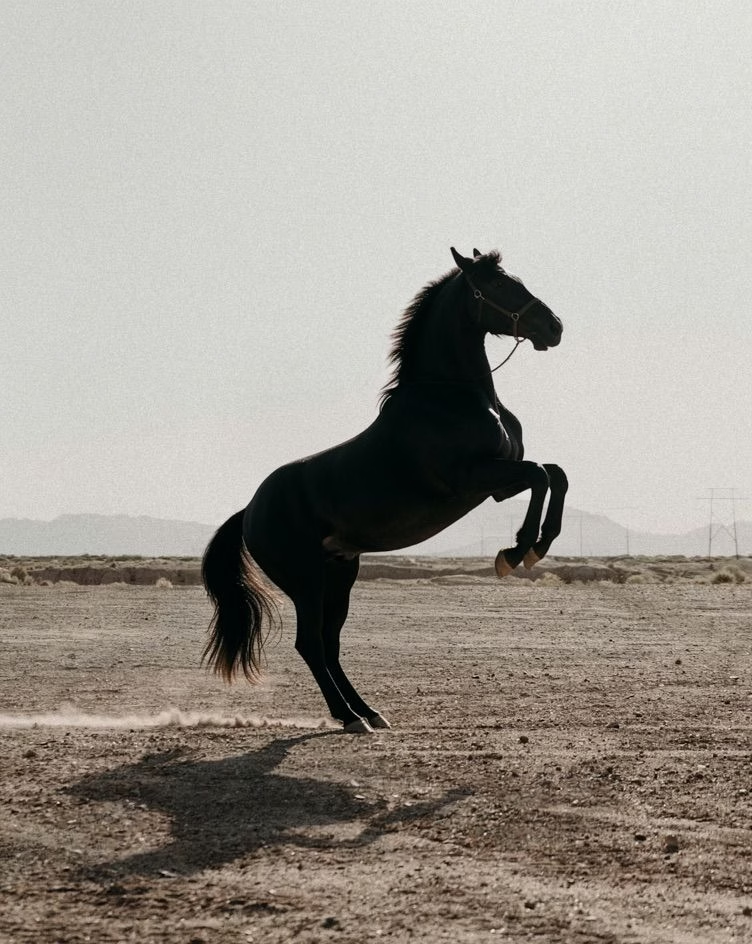
"Replace the bike with a rearing black horse"
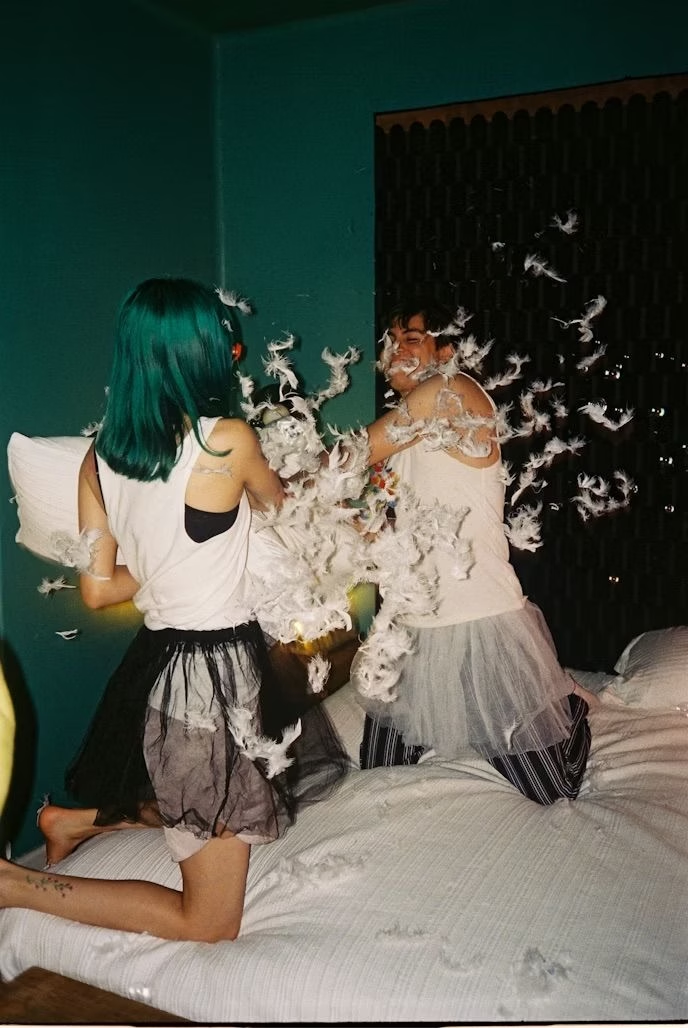
Input
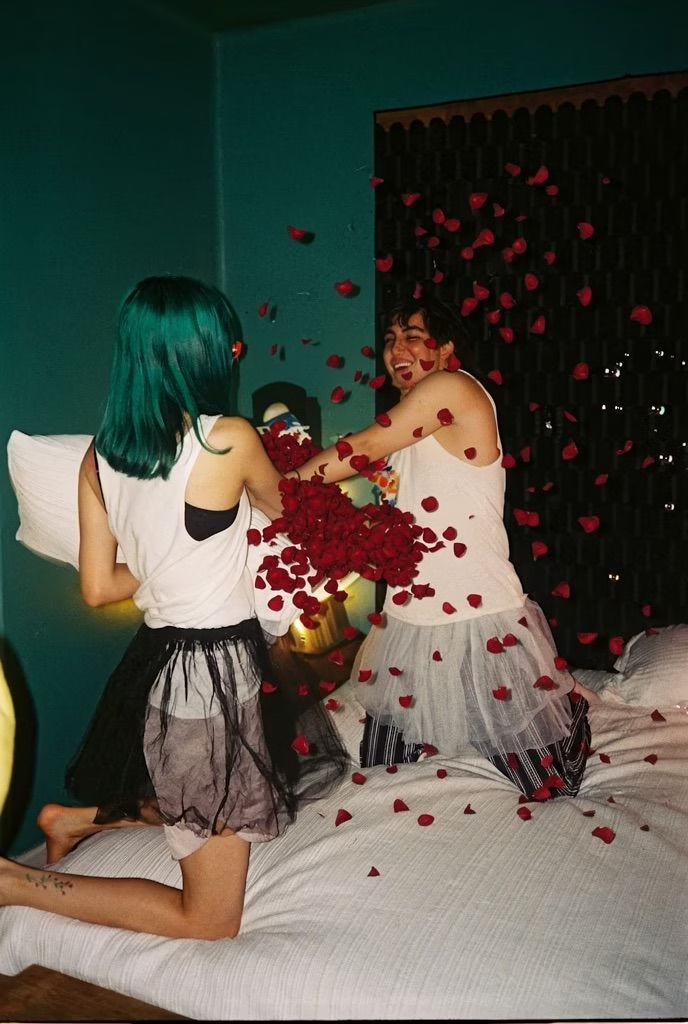
"Replace all the feathers with rose petals"
Writing Effective Prompts
Tip: Be specific about what changes and clear about the target state. Let the base image provide context.
Good prompts
- • "Add dramatic storm clouds to the sky"
- • "Change her dress from blue to deep burgundy"
- • "Age this portrait by 30 years"
Avoid
- • "Make it better"
- • "Improve the lighting"
- • "Make it more professional"
- • "Fix the image"
Best Practices Summary
Write in Prose, Not Keywords
Describe scenes as flowing paragraphs. "A weathered leather journal lies open on an oak desk, morning light revealing handwritten entries in faded ink" works better than "journal, leather, oak desk, morning light, handwriting."
Lead with Your Subject
Put the most important element first. Word order signals priority to the model.
Describe Light Explicitly
Specify light source, quality, direction, and how it interacts with surfaces. Lighting descriptions have the highest impact on output quality.
Use Sensory Details
Include textures, reflections, and atmospheric elements. "Flaky croissant layers catching soft diffused light" is more evocative than "croissant on table."
Add Style/Mood Tags (Optional)
End prompts with explicit style or mood annotations when you want consistent aesthetic results across multiple generations.
Ready to Start Creating?
Start creating your first image with Flux.2 Klein generation tool
Start Generating